Top 10 Frequently Asked Questions About a School Management Software
Managing a school in today’s world is more than just keeping academic records. It involves handling student data, finances, communication, attendance, and performance tracking — all while ensuring parents, students, and staff remain connected.
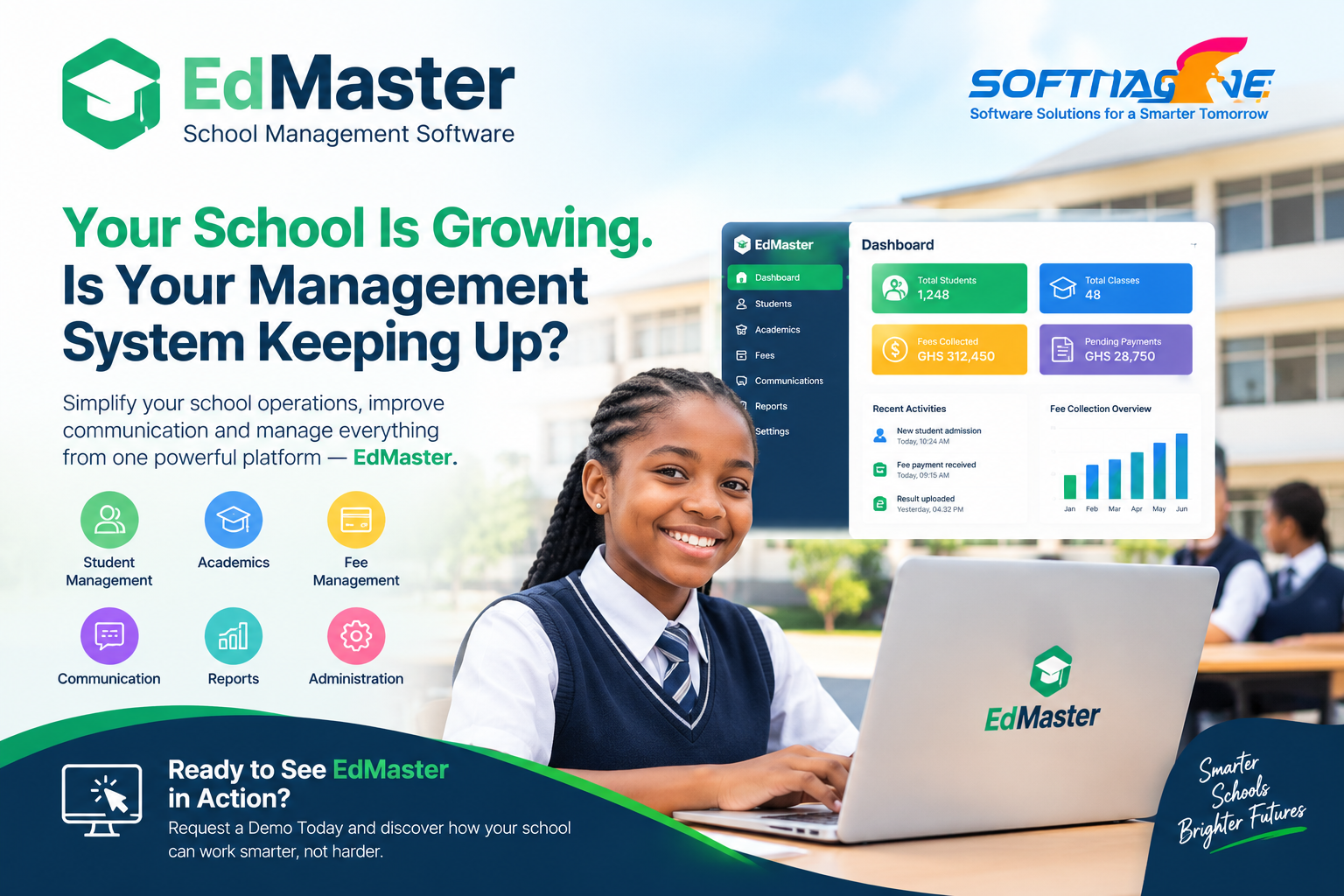
This is where Edmaster Educational Management System comes in. Edmaster is a comprehensive, user-friendly, and mobile-friendly school management software designed to simplify daily operations and improve efficiency in schools of all sizes. With features like multi-portal access, automated student credentials, attendance tracking, finance management, and even canteen/POS management, Edmaster provides everything a modern school needs to succeed.
But before choosing an educational management system, many schools have questions. Below, we answer the most Frequently Asked Questions (FAQs) about educational software to help you make an informed decision.
Frequently Asked Questions (FAQs) About Educational Management Systems
1. What is an Educational Management System?
An Educational Management System (EMS) is a software solution that helps schools, colleges, and universities manage academic and administrative tasks digitally. It centralizes operations like student admissions, grading, attendance, finance, communication, and reporting.
Edmaster is a great example, as it brings all these features into one secure platform accessible by students, parents, and staff.
2. Why should schools use an Educational Management System?
Schools should use an EMS because it:
-
Saves time by automating administrative work.
-
Improves communication between parents, teachers, and students.
-
Provides transparency in finances and academics.
-
Enhances student engagement through online access to resources.
With Edmaster, schools benefit from automation, mobile accessibility, and customizable features tailored to their curriculum.
Who can use an Educational Management System?
-
Administrators – to manage school operations, admissions, and finances.
-
Teachers – to enter marks, share resources, and track attendance.
-
Students – to view results, assignments, and class schedules.
-
Parents – to monitor their child’s progress, attendance, and fees.
Edmaster supports multi-portal access, so each user has their secure login with relevant information.
4. Is an Educational Management System safe to use?
Yes. Most EMS platforms use encryption and secure login credentials to protect school data.
With Edmaster, credentials are auto-generated for each user, ensuring that sensitive data remains private and accessible only to the right people.
5. Can an Educational Management System be used on mobile phones?
Yes. Modern systems are responsive and work on mobile devices, tablets, and laptops.
Edmaster is fully mobile-friendly, so users can access it anytime, anywhere.
6. How does an EMS help with attendance and reports?
An EMS allows teachers to record attendance digitally and automatically generates reports. This saves time and helps identify patterns in student participation.
Edmaster not only tracks attendance but also creates summary reports for quick analysis.
7. Can an Educational Management System manage finances?
Yes. Many EMS platforms include finance modules to handle billing, invoices, payments, and fee tracking.
With Edmaster, schools can manage all financial records, issue invoices, track payments, and maintain transparent histories for each student.
8. Is Edmaster suitable for small schools or only big institutions?
Edmaster is scalable, meaning it works for both small schools and large institutions. Small schools enjoy the benefit of automation, while bigger schools value its ability to handle bulk data and multiple user accounts without errors.
9. How does Edmaster differ from other educational software?
Unlike many generic systems, Edmaster is built with school-specific needs in mind. It includes features like:
-
Parent, Student, and Teacher Portals.
-
Bulk data management with Excel.
-
Subject configuration and custom grading.
-
Assessment & reporting tools.
-
Finance and POS management.
This makes Edmaster a complete ecosystem, not just a record-keeping tool.
10. How can a school start using Edmaster?
Getting started with Edmaster is simple:
-
School details and user data are uploaded.
-
The system auto-generates credentials for students, staff, and parents.
-
Training and onboarding are provided to ensure smooth adoption.
Schools can then immediately start enjoying the benefits of automation and improved communication.